Handheld Scanner App for Natural Stone
All warehouse processes in one app: barcode scanning, relocation, goods receipt, reservations, cutting, inventory and photo upload. As a PWA, instantly ready on any smartphone without an app store. Expandable with a Zebra handheld scanner for heavy warehouse use.
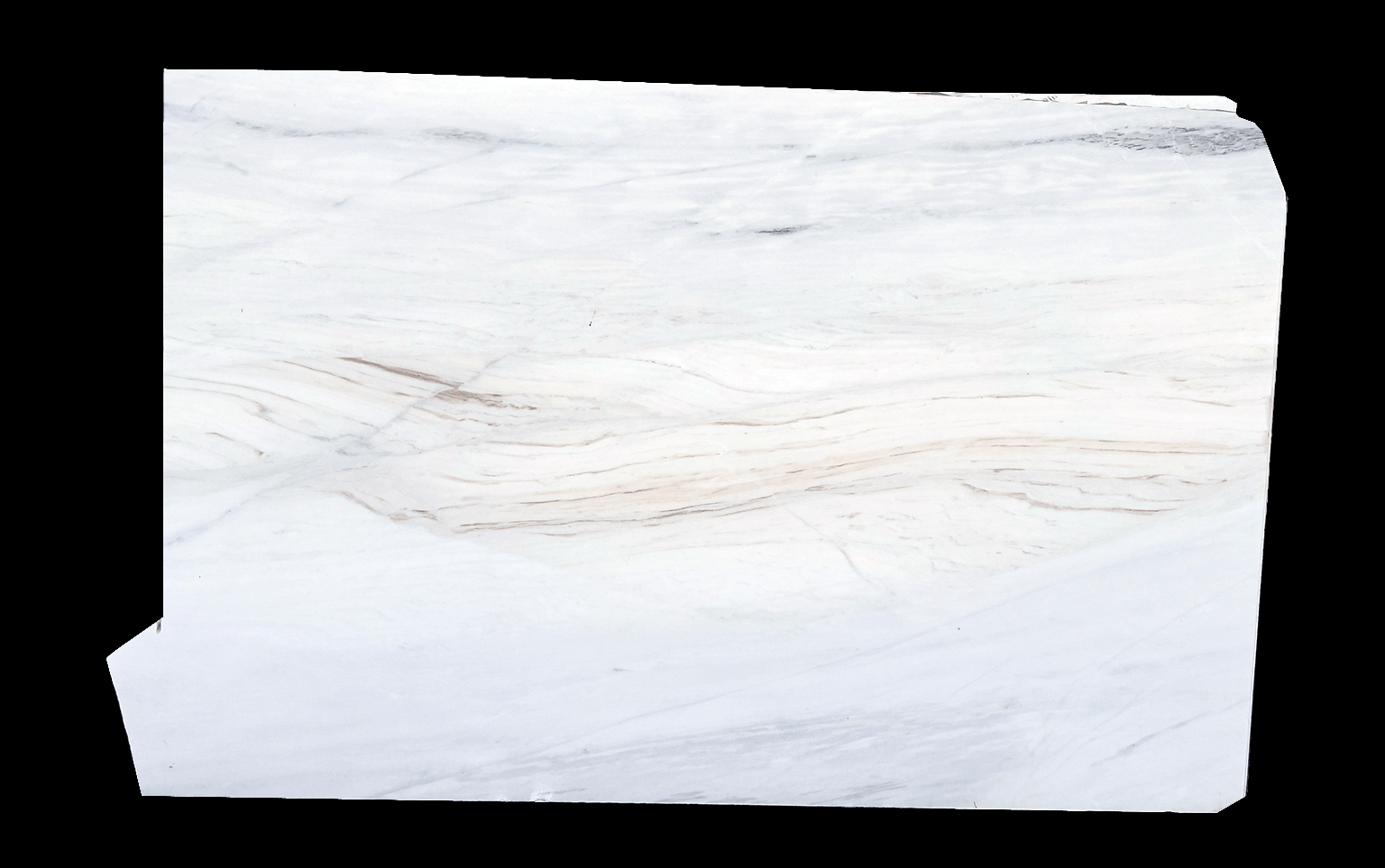


All warehouse processes unified in one intuitive interface
Barcode-driven workflows for speed and accuracy
Barcode scanning
Identify material and locations by barcode. Start follow-up actions directly from the scan.
Relocation
Move material between storage locations. Document location changes directly on the device.
Goods receipt
Verify deliveries and document what was actually received.
Reservations
Reserve material for projects or customers directly on the device.
Block cutting
Cut blocks into slabs and register new slabs directly in the system.
Slab cutting
Cut parts from slabs, including L-cuts for countertops. Evaluate and relabel remnants.
Create materials
Register new materials directly in the mobile workflow.
Photo upload
Take photos and link them directly to the material. Visual inventory is built on the go.
Inventory
Start inventory sessions, confirm material by scan and capture discrepancies on site.
How the mobile scanner process works
From first scan to completed action, four steps, one device.
Open app & enter PIN
The PWA runs directly in the browser, on smartphone or Zebra handheld scanner. PIN login secures access without lengthy sign-in flows.
Scan barcode
Capture material or location by barcode. All relevant information appears instantly on the display.
Execute action
Relocate, confirm goods receipt, start cutting, take a photo, document inventory or reserve material, all in one flow.
Sync & continue
Data syncs automatically once a connection is available. Actions collected offline are never lost.
One device for all operational steps
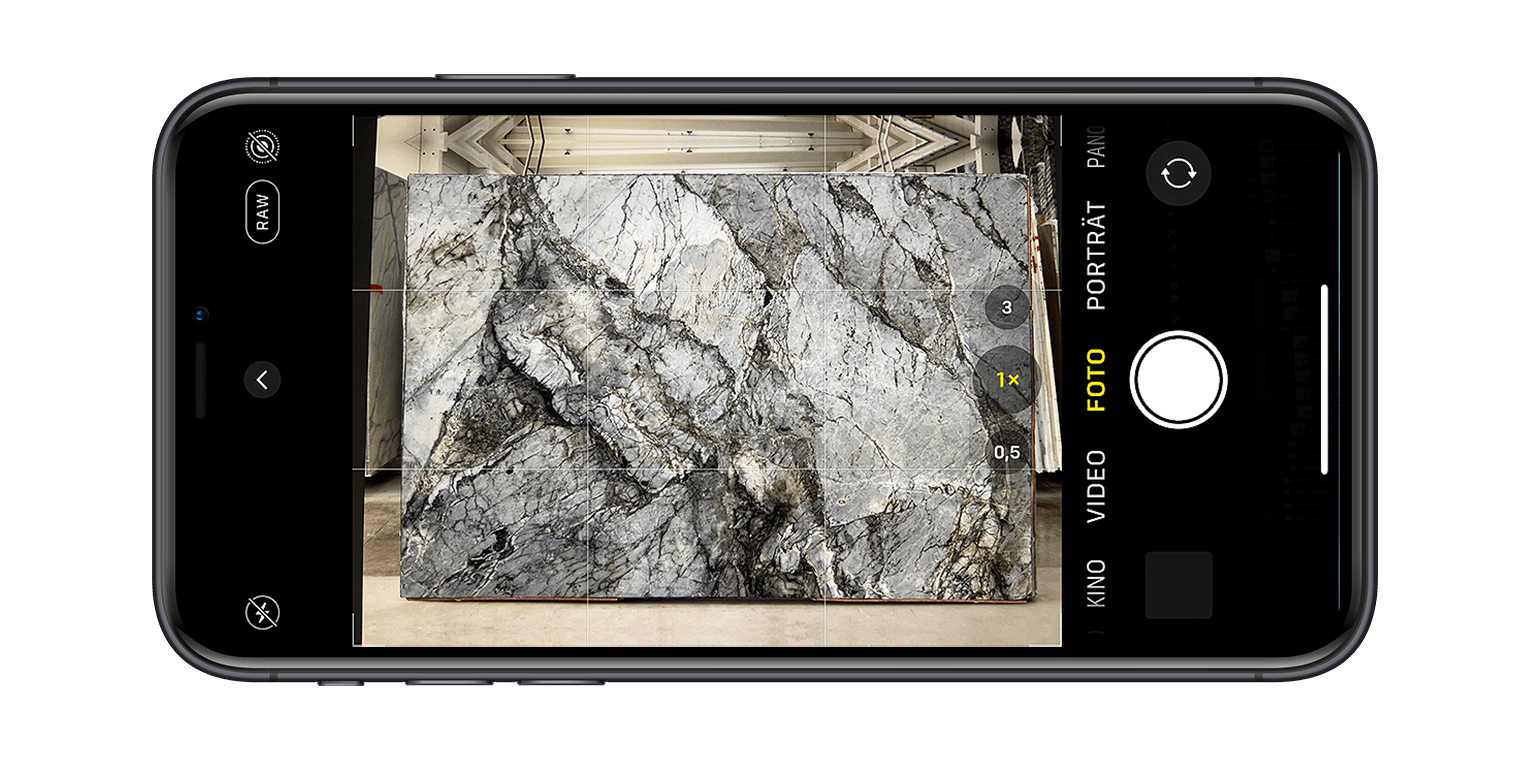
Scan and act immediately
One barcode scan is enough: material, location and status information appears instantly on the device. No desktop lookup, no paper notes.
- Process barcodes directly, materials and locations
- Material details, photos and status visible instantly
- Start follow-up actions directly from the scan result
Start now, upgrade later
The DDL scanner app is a PWA and runs on any smartphone directly in the browser. No app store, no installation. Just open the URL and go.
- Any smartphone as entry point, camera as scanner
- Zebra handheld scanner for warehouse and production
- PWA = no app store, instantly ready
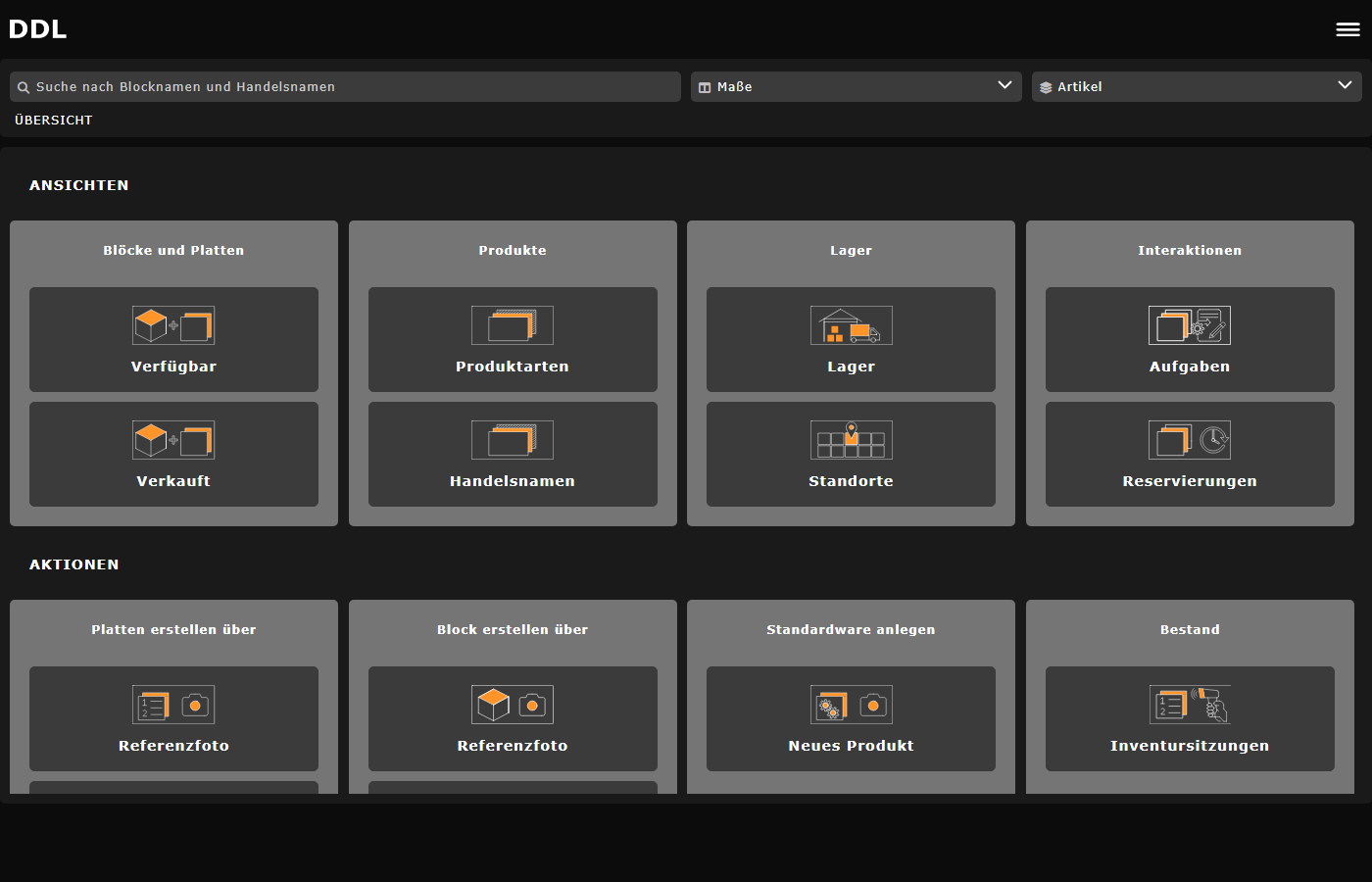
Complete warehouse processes on one device
The app covers the full operational day: goods receipt, relocation, reservations, block cutting, slab cutting, creating materials, photo upload and inventory.
- 9 functions in one intuitive interface
- Barcode-driven workflows for speed
- L-cuts for countertops included
Works without internet too
The PWA includes service worker and sync logic. Actions are collected offline and synced automatically when connectivity returns.
- Dead spots do not block the workflow
- Automatic synchronization when connected
- No data is ever lost
Smartphone vs. Zebra Handheld Scanner
Both device types are supported by the DDL scanner app. Choose the entry point that fits your operation.
Our scanner software had no support and our stock was stuck on a local database. DDL connected our database and the scanner syncs automatically now. We got barcodes and the mobile app for the warehouse. What made the difference: Jonas looked at our setup personally and fixed things fast.

José Daniel Bernardino
CEO · Sociror, Lda

Frequently asked questions about the DDL scanner app
Start with DDL
If you want to speed up mobile warehouse and material workflows in your natural stone business, we can show you the DDL scanner app in a demo.