AI-Powered Slab Digitization, From Smartphone to Slab Scanner
From a smartphone photo with AI contour recognition to a fully automatic slab scanner: DDL offers the right entry point for digital slab capture at every scale.
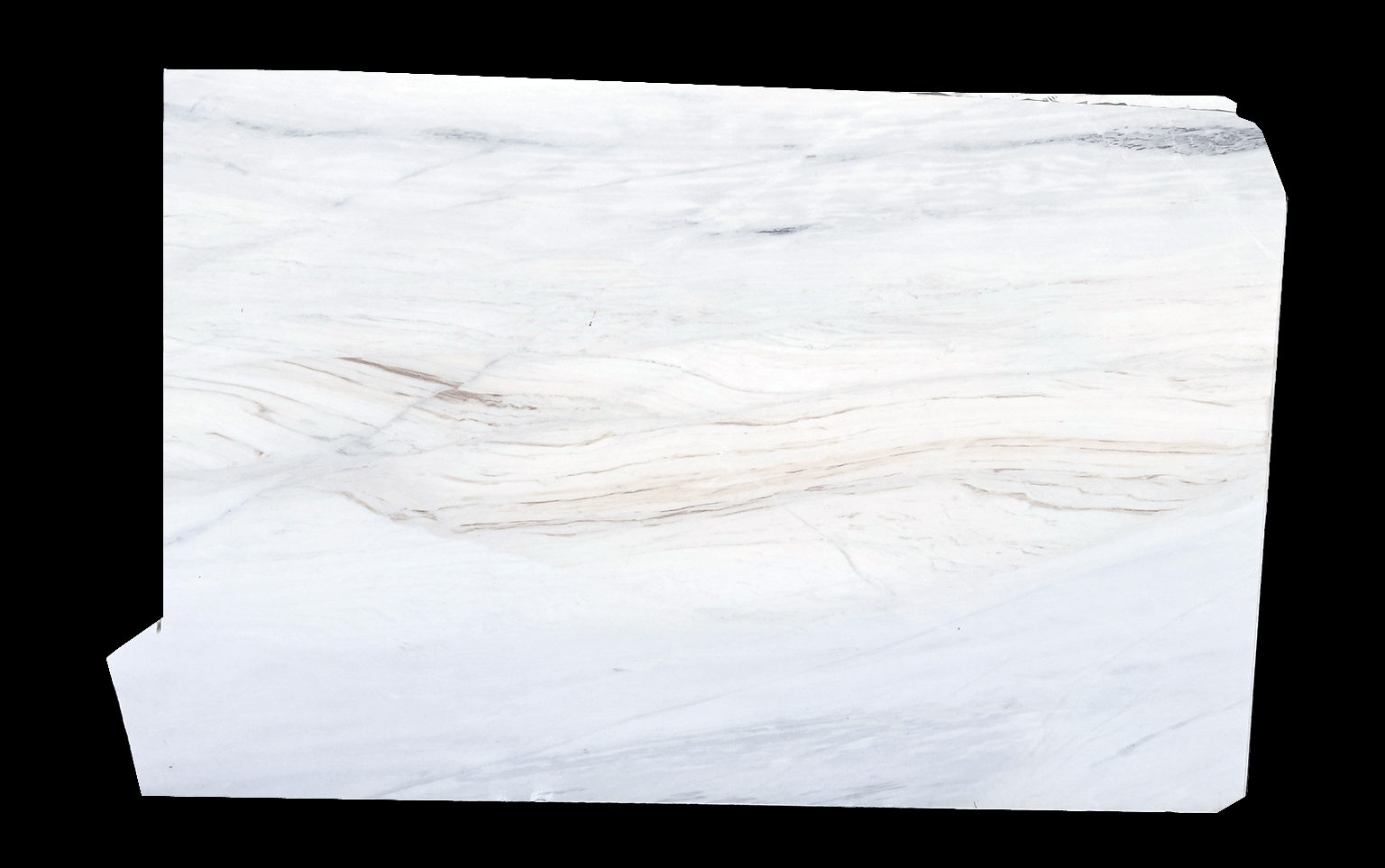


From smartphone to inline scanner
Depending on your operation size and requirements, DDL offers three tiers of slab digitization.
Smartphone Photo
Take a photo, enter height and width, DDL AI recognizes the contour automatically and creates a true-to-scale digital slab. No investment needed, any smartphone will do.
Photo Booth / Photo Station
Consistent lighting through fixed camera position. Automatic import via StoneSync, photos are picked up from a defined directory by naming schema. Medium investment.
Scanner Integration via StoneSync
Directly after the polishing line: fully automatic capture of every slab. Integration via StoneSync with DXF and JPEG import. Higher investment, maximum automation.
Why consistent lighting matters
Different lighting conditions across slab photos lead to visible quality differences, especially in project planning.
Avoid checkerboarding
When slab photos are taken under varying brightness, the planning view shows brightness jumps instead of smooth transitions. You see image edges instead of slab edges.
For offers and sales
When slabs are only photographed for offers and sales conversations, lighting quality is less critical. A smartphone photo is sufficient here.
For project planning
As soon as slabs are placed side by side in project planning, consistent lighting becomes essential. We recommend a photo booth or scanner for this.
Different levels of material representation
Not every slab needs its own true-to-scale photo. The right level depends on the use case.
Reference image per trade name
One representative photo per material type. Often sufficient for uniform materials.
Reference image per block
One photo per block, shows the typical veining and color of this raw block.
Individual image per slab
Each slab photographed individually, with or without size adjustment. For individual material selection.
True-to-scale individual image with AI contour
Individual slab photo, scaled to actual dimensions, with automatic contour recognition. For project planning and dry layout.
The right level of digitization for your operation
The optimal solution depends on what you use the slab images for.
Offers and sales only
Reference images per trade name or block are sufficient. No scanner needed, a smartphone is a good start.
Project planning and dry layout
Individual, true-to-scale slab images with AI contour are important. Consistent lighting recommended.
Large inventory and high throughput
Scanner integration via StoneSync recommended. Fully automatic import saves manual work.
Seamlessly connect scanners and legacy systems
StoneSync is the local sync application that bridges your existing infrastructure to DDL.
Auto-import from scanner
Photos are automatically imported from a defined directory by naming schema. Scanner bed is automatically removed from images.
Flexible formats
Import as DXF + JPEG (scanner with contour software) or JPEG only with automatic AI contour recognition by DDL.
Legacy database sync
Existing local databases on your company network are synchronized with the online DDL inventory via StoneSync.
Slab digitization methods compared
Three paths to digital slabs, from manual to fully automatic.
Frequently asked questions about slab digitization
Digitize slabs, get started now
Whether smartphone entry or scanner integration: we will show you how DDL simplifies your slab digitization.